
Managing renewals is essential for success, so it’s important to have a powerful tool to make recurring member payments and renewals on Salesforce as straightforward as possible.
Renewalz has strong core features to make managing membership renewals simpler for both staff and members. Here we discuss what makes Renewalz a leading solution for automating renewals for memberships on Salesforce.
What makes Renewalz unique for managing membership renewals on Salesforce
- Pre-built app
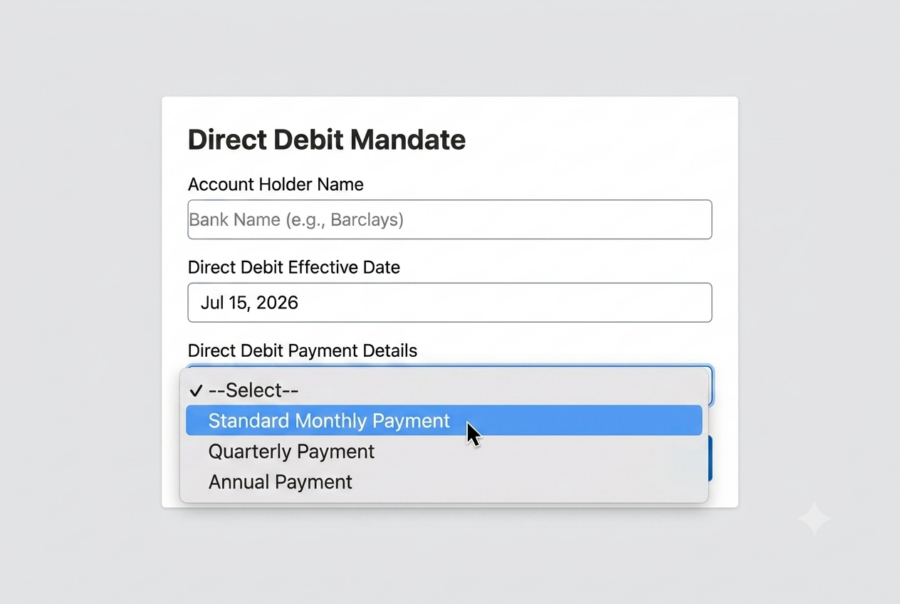
Renewalz is an app that comes out of the box with a member online join form, which is automatically connected to a direct debit payment gateway. Staff can also add new members and set up direct debit mandates themselves which supports managing membership renewals efficiently.
2. Set up payment instalments
Membership can be paid in instalments – either annually or monthly. Also, these options can be helpful for membership renewals that align with a member’s billing preference. You can build this to meet your requirements within Salesforce.
3. Match to your branding and needs
Team members can amend the join form as it’s built using Salesforce flows. The hosted payment page for setting up the direct debit can be updated with your branding and logo.
With an invoice creation tool, you can format invoices to meet your needs. These tools are especially useful for managing online membership renewals and ensuring members can pay without hassle. They can also be made available online for members to view or pay them.
4. Detailed records on Salesforce
When you look at a membership record on Salesforce, you will be able to see the following information:
- Product – This is the product the member has subscribed to, e.g. Professional membership. You can set up as many products as needed and set pricing (fixed or formula-based). VAT and Tax can also be added.
- Current term end date shown
- Mandate ID – This is created based on the integration with the direct debit provider
5. Financial visibility
Every time a membership gets created or renewed, a term is created. The term is then linked to a financial transaction and to a sales invoice line, which is important when tracking the revenue associated with membership renewals.
The sales invoice has transactions against it. For example, with a double-entry sales ledger, one transaction line is debiting the bank account, and the other is crediting the membership revenue account. You can see the membership code and ledger code. This creates a mini chart of accounts, it can also complete multiple business entities and you can set it up to match your finance system.
This means that when you’re extracting transactions in the format of debits and credits, it’s very easy to take them in summary or detail format to your finance system for ease of integration, particularly with bulk membership renewals where reconciliation is critical.
6. Renewal configurations
Renewal configurations mean creating templates to renew a certain group of members on a certain schedule. For example, renew anyone who has a full membership product/ anyone who is on a monthly or annual plan. Renew them when it’s 30 days before their lapse date on their membership, so your overall membership renewals stay on schedule.
This process happens automatically. It creates sales invoices and submits payments to the direct debit payment gateway without any need for staff intervention, streamlining the workflow for membership renewals overall.
Renewalz is a member renewal management app built on Salesforce. From online joins and direct debit collection through to financial reporting, Renewalz automates the entire renewal cycle so your team spends less time on admin and more time supporting members.
Additional resources for you
If you liked this post, check out our other articles on similar topics.

Getting started with Agentforce
Key takeaways from an Agentforce webinar, hosted by Salesforce Ben

Webinar recording: An introduction to Agentforce
Catch up with our Agentforce webinar

Types of Salesforce reports and when to use them
A summary of the different types of Salesforce reports